

Download Navigon Fresh – Map Management, Backup & Restore Tool for NAVIGON Devices
Overview
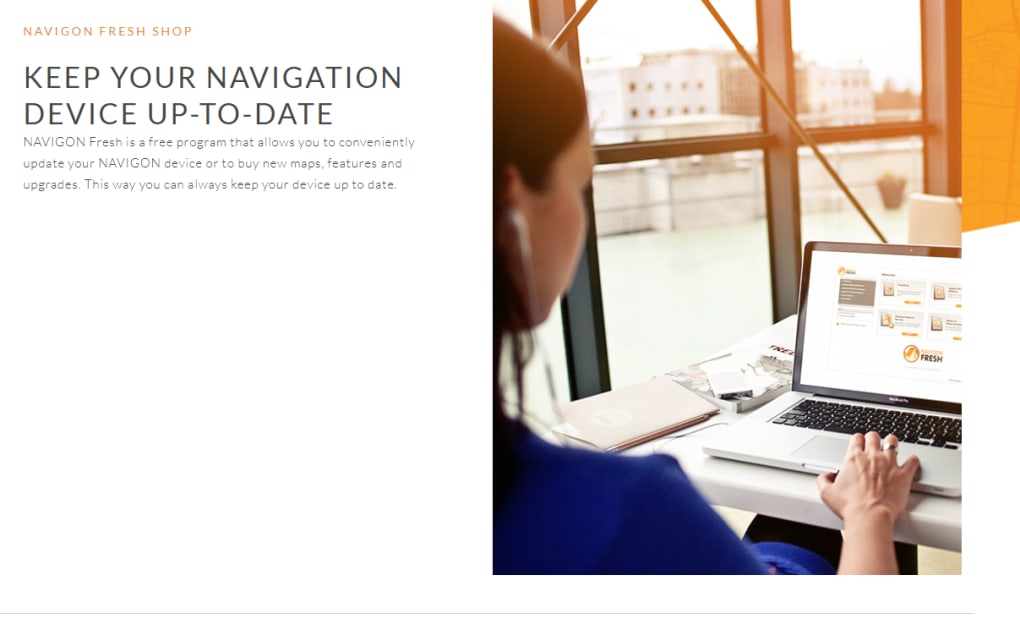
Navigon Fresh is the official desktop companion for all NAVIGON navigation devices. Designed for both casual road‑trippers and professional drivers, the app lets you purchase, download, and install the latest map updates with a few clicks. Beyond map management, Fresh also serves as a reliable backup and restore utility, ensuring that your favorite routes, POIs, and custom settings never get lost.
To unlock the full feature set you’ll need a MyNAVIGON account, a fully‑charged device, and a USB connection—requirements that keep the process secure and straightforward. Whether you run a Windows PC or a macOS laptop, Navigon Fresh provides a clean, user‑friendly interface that eliminates the guesswork traditionally associated with GPS updates. By keeping your device current, you not only enjoy the most accurate road information but also benefit from performance enhancements, bug fixes, and new points of interest added by NAVIGON’s mapping team.
Key Features
- One‑Click Map Purchase & Download: Browse the latest NAVIGON maps, select the region you need, and complete the purchase directly within the app.
- Automatic Firmware Updates: Fresh checks for device firmware releases and prompts you to install them, keeping your hardware running smoothly.
- Backup & Restore Functionality: Safely back up routes, favorites, and custom POIs to your computer, then restore them anytime you replace or reset a device.
- USB‑Only Secure Transfer: All data moves over a wired USB connection, reducing the risk of corruption and ensuring a fast, reliable sync.
- MyNAVIGON Account Integration: Sync purchases, download history, and device registrations across multiple computers.
- Multi‑Language Support: The interface is available in English, German, French, Spanish, and several other languages, catering to a global audience.
- Free Version with Essential Tools: While premium maps require purchase, the free version lets you manage existing data, check for updates, and back up your device at no cost.
- Secure Payment Processing: All transactions are encrypted and processed through trusted payment gateways.
Installation, Usage & Compatibility
Step‑by‑Step Installation
1. Download the Installer: Visit the official NAVIGON website and click the “Download Navigon Fresh” button. The file is available for both Windows (10/11, 64‑bit) and macOS (10.13 and later).
2.
Run the Setup: Double‑click the installer and follow the on‑screen prompts. The wizard will verify your operating system, check for required .NET or Java components, and install the necessary drivers for USB communication.
3. Create or Log In to MyNAVIGON: During the first launch, you’ll be asked to sign in with your MyNAVIGON credentials.
If you don’t have an account, you can register directly from the app.
4. Connect Your Device: Plug your NAVIGON unit into a USB port using the supplied cable. The app will automatically detect the device once it’s fully charged (minimum 30 % battery).
5.
Start Updating: Navigate to the “Map Store” tab, select the desired region, purchase, and click “Download”. The progress bar shows real‑time transfer rates; when finished, the device will prompt you to restart.
How to Use Backup & Restore
After connecting your device, click the “Backup” button on the main dashboard. Choose a destination folder on your computer and hit “Start”. Fresh creates a compressed .zip file containing all user data, which can be stored on an external drive for added safety. To restore, simply select the backup file, click “Restore”, and confirm the operation. The app will verify the integrity of the backup before writing data back to the device, preventing accidental overwrites.
Operating System Compatibility
Windows: Fully compatible with Windows 10 and Windows 11 (64‑bit). The installer includes the necessary drivers for USB communication and will automatically configure the Windows Firewall to allow Fresh to access the internet for map downloads.
macOS: Supports macOS 10.13 (High Sierra) and later. macOS users must grant the app “Full Disk Access” during the first run to enable backup and restore functions.
Linux & Other Platforms: At this time, Navigor Fresh is not officially released for Linux or mobile platforms. However, some advanced users have reported success using Wine, though this is not supported by NAVIGON.
Pros, Cons & Frequently Asked Questions
Pros
- Simple, one‑click map purchasing and downloading process.
- Secure USB transfer eliminates the need for Wi‑Fi or SD‑card fiddling.
- Comprehensive backup and restore tools protect user data.
- Free version provides essential management features without extra cost.
- Regular firmware updates improve device stability and performance.
Cons
- Requires a fully‑charged device; low‑battery units cannot be updated.
- No native Linux or mobile app support.
- Map purchases are limited to regions covered by NAVIGON’s licensing agreements.
- The interface, while functional, feels a bit dated compared to newer GPS management tools.
FAQ
Do I need an internet connection to update maps?
Yes. Navigon Fresh downloads map files directly from NAVIGON’s servers, so a stable internet connection is required for the purchase and download steps. The actual transfer to your device, however, happens over USB and does not need internet.
Can I use Navigon Fresh with multiple NAVIGON devices?
Absolutely. After logging into your MyNAVIGON account, you can register and manage several devices. The app will list each connected unit, allowing you to update or back up them individually.
What happens if the USB connection drops during a map transfer?
Navigon Fresh includes a built‑in checksum verification. If the connection is interrupted, the app will automatically pause, notify you, and resume the download once the device is re‑connected.
Is there a limit to how often I can back up my data?
No. You can back up as frequently as you like. Fresh stores each backup as a separate file, so you can maintain a history of your device’s state over time.
Can I purchase maps directly from the app without a MyNAVIGON account?
A MyNAVIGON account is required for purchases, as it links the transaction to your device license. However, you can still use the free backup/restore features without an account.
Conclusion & Call to Action
Navigon Fresh remains one of the most reliable ways to keep your NAVIGON navigation device up‑to‑date. Its blend of secure USB transfers, straightforward map purchasing, and robust backup capabilities make it a must‑have tool for anyone who relies on precise, current mapping data. While the lack of Linux support and a slightly dated UI may turn off power users, the overall value—especially the free core features—outweighs these minor drawbacks. Ready to give your NAVIGON device the fresh start it deserves? Download Navigon Fresh now, log in with your MyNAVIGON account, and experience hassle‑free updates today.







